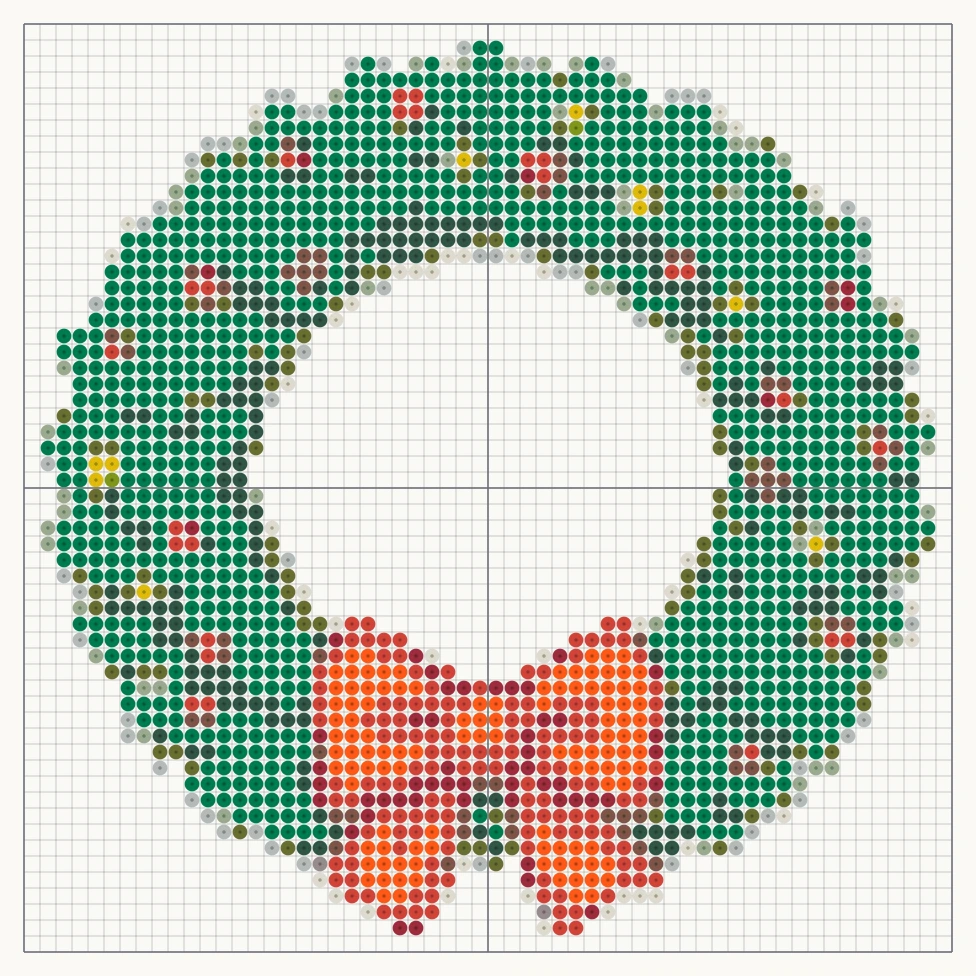
Wreath with a red bow
58 × 58 beads, 13 colors
Turn a picture, or just a sentence, into a Perler bead pattern. Upload an image and this Perler bead pattern maker converts it in your browser to a pegboard grid matched to 103 Perler colors, with a bead count for every color. No picture yet? Describe what you want and the AI draws a bead-friendly design first. Printing the PDF at actual size lets you slide each page under a clear pegboard.
A Christmas wreath of green pine with red berries, small gold baubles and a big red bow at the bottom.
Examples generated with this tool
1:1 · 1K imageSample mode
Open a finished design without an account. Preview and watermarked PNG are free; a printable PDF is $4.99.
58 × 58 beads, 13 colors
58 × 56 beads, 12 colors
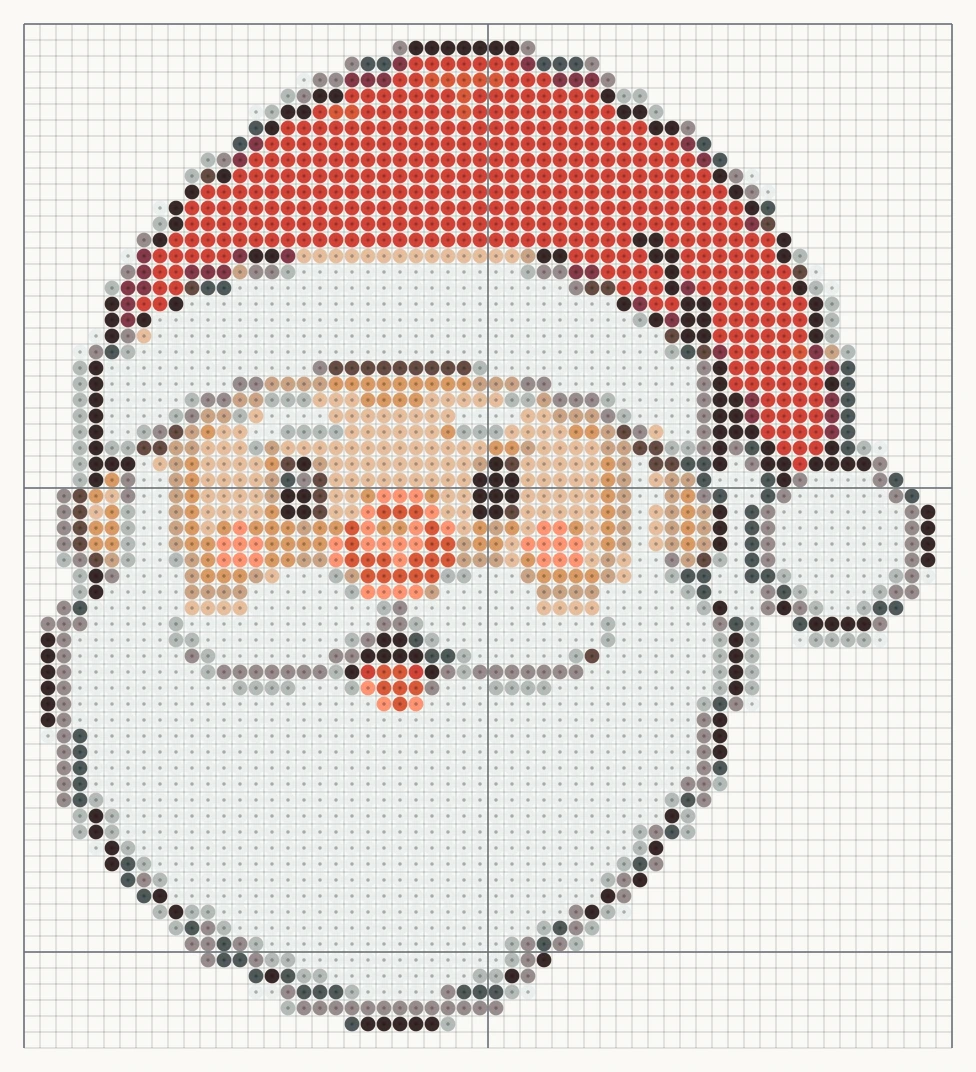
58 × 64 beads, 13 colors
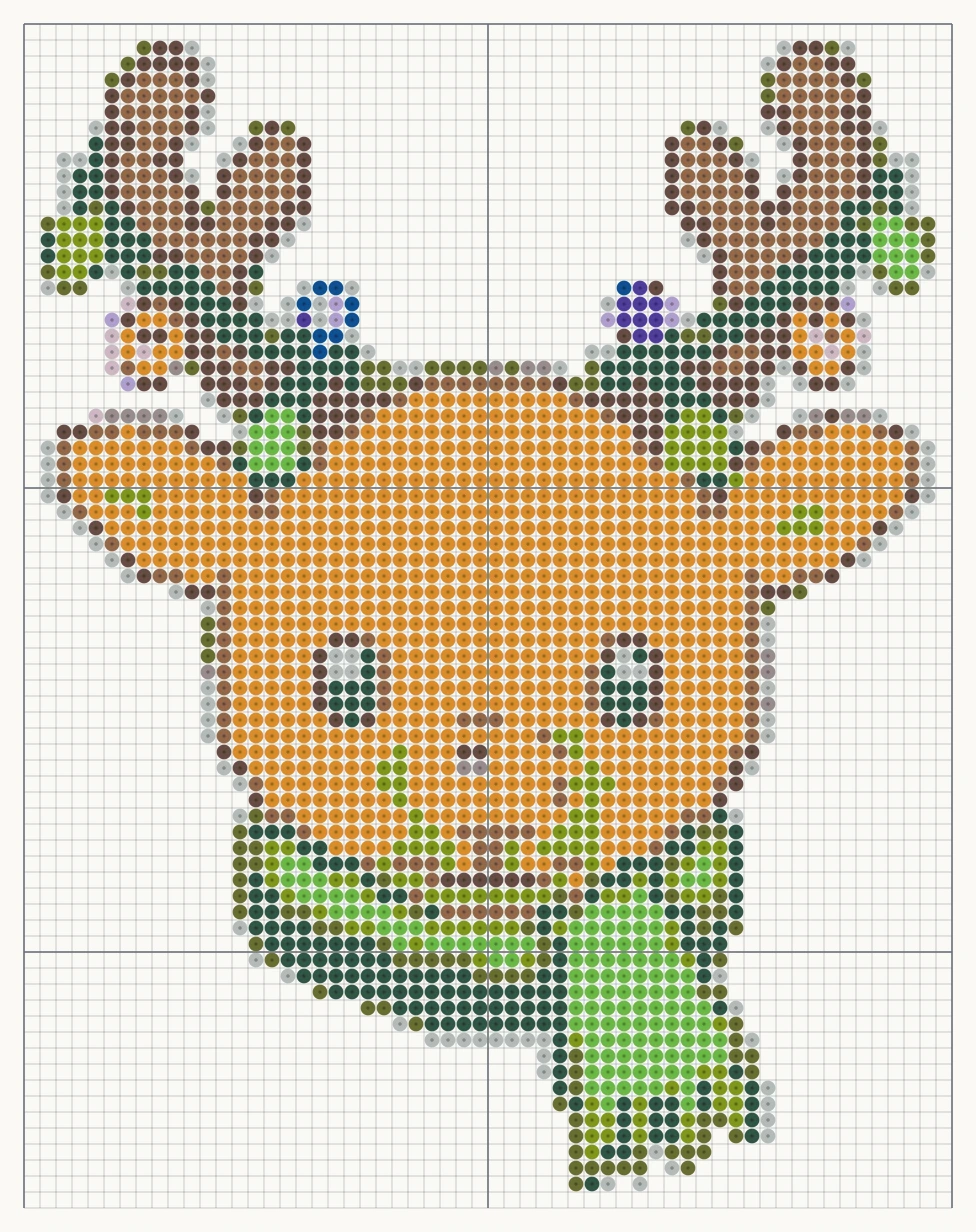
58 × 74 beads, 13 colors
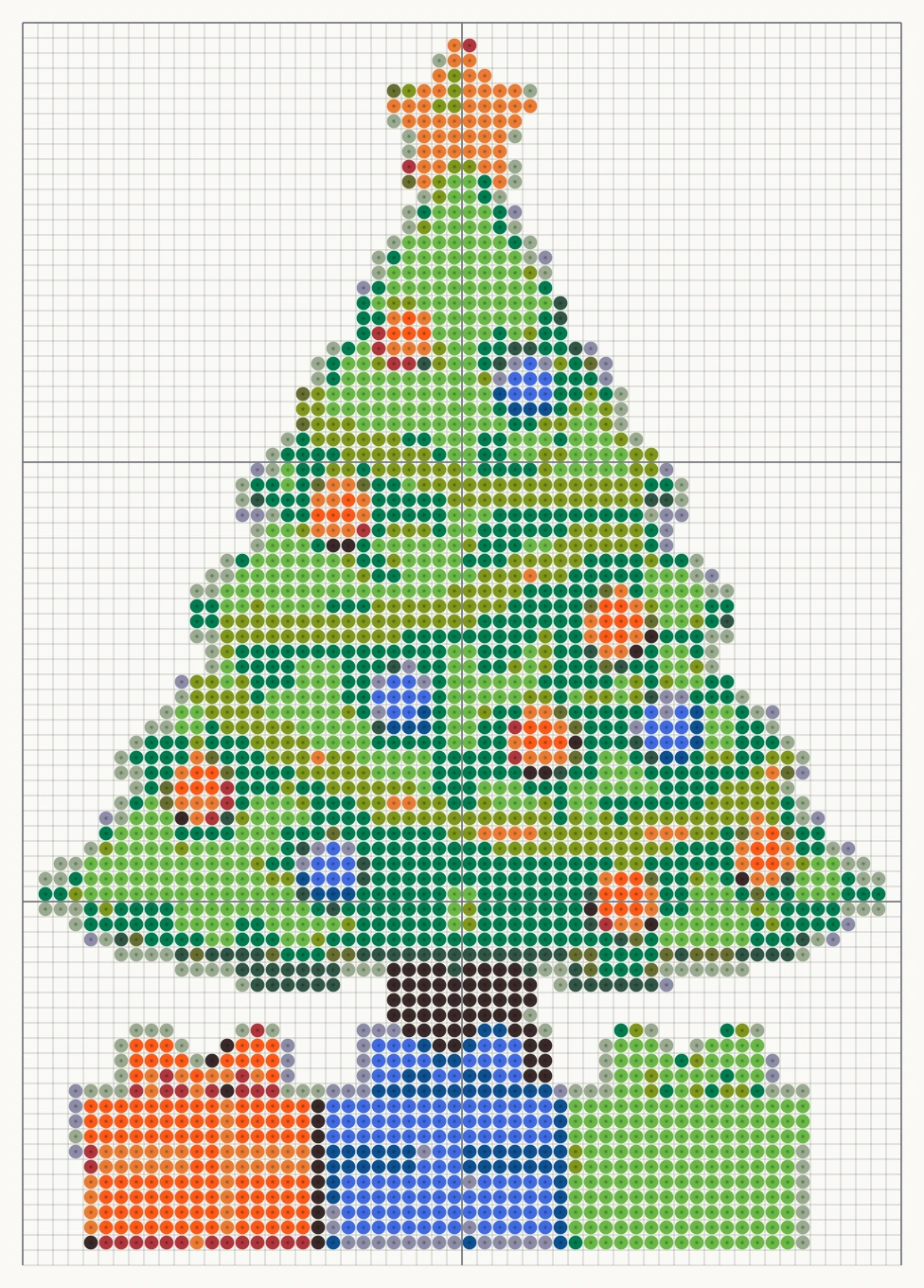
58 × 82 beads, 13 colors
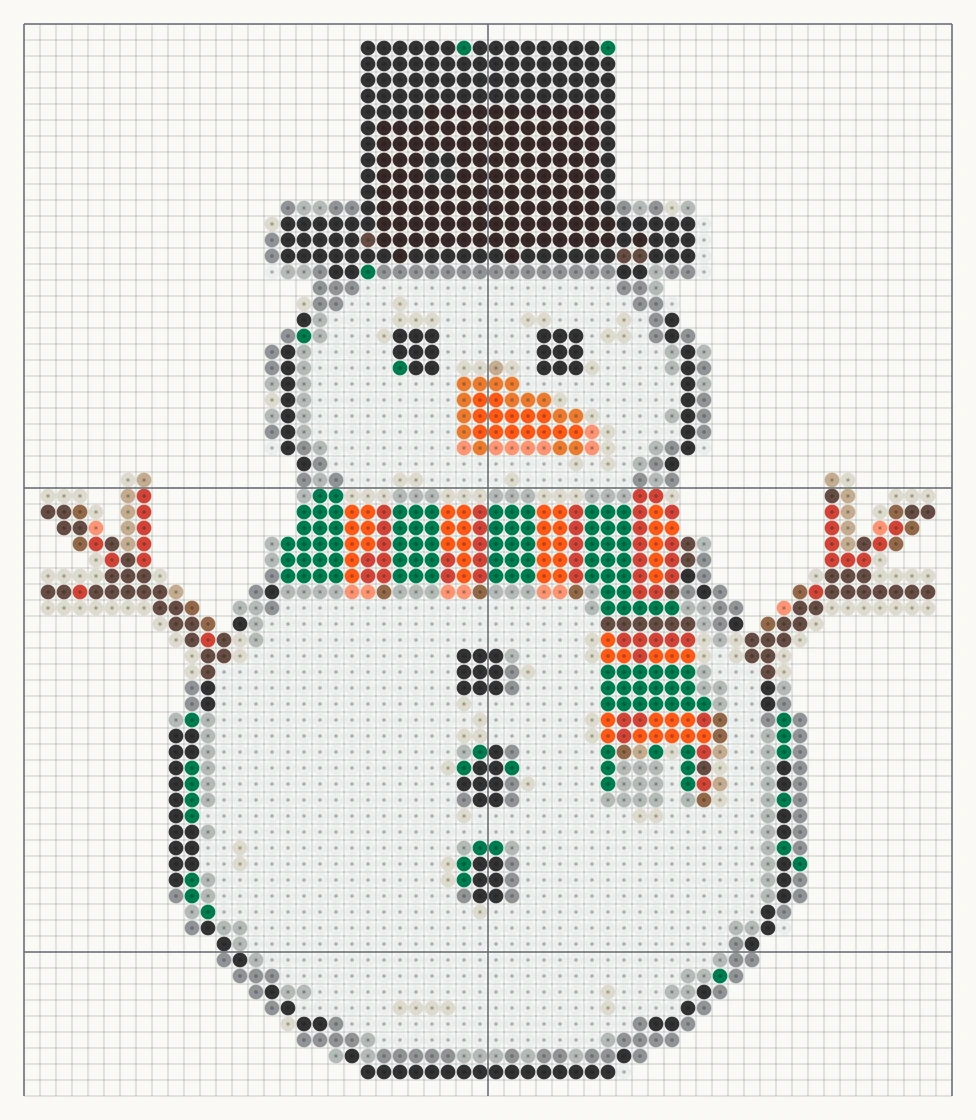
58 × 67 beads, 14 colors
Upload a picture below, or create an AI image and choose “Turn into a pattern”. Preview and watermarked PNG are free. The high-resolution printable PDF is $4.99 for this exact pattern.
Your image stays in your browser. It is not uploaded.
Preview and watermarked PNG: free · Printable PDF: $4.99 one time.
Color data: craft-color-codes (CC BY 4.0) and beadcolors (MIT). Not affiliated with Perler or DMC.
Explore the original prompts below.
A Christmas wreath of green pine with red berries, small gold baubles and a big red bow at the bottom.
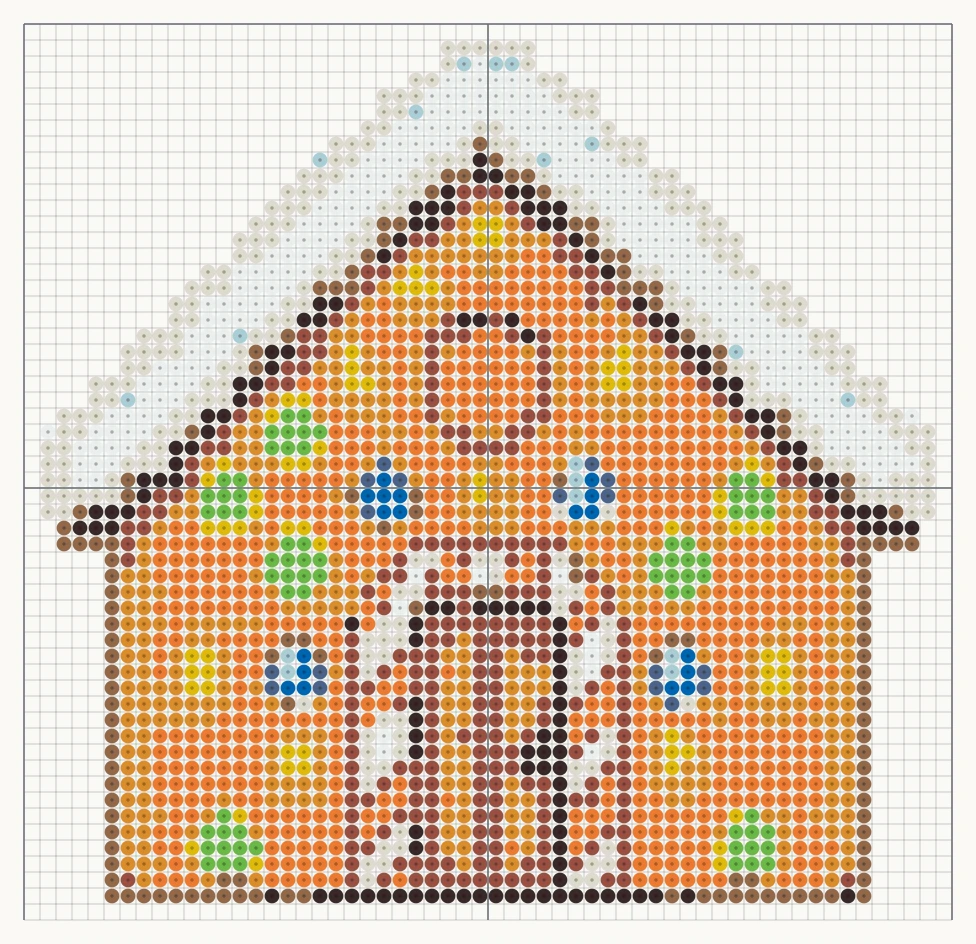
A gingerbread house with white icing roof, candy cane door posts, gumdrops and a round window.
PromptA Christmas wreath of green pine with red berries, small gold baubles and a big red bow at the bottom.
PromptA gingerbread house with white icing roof, candy cane door posts, gumdrops and a round window.
Pick a simple image with one clear subject. Logos, cartoon animals, food and small icons work best; busy photos turn into speckled patterns. Choose the width in beads: 29 fits one standard square pegboard, 58 needs four boards joined together. Then set the number of colors. Ten to fifteen is plenty for most designs and keeps your shopping list short.
The maker shrinks the picture to your grid, groups similar shades and swaps each one for the closest real Perler color. Turn on background removal when your subject sits on a plain backdrop, so you do not place hundreds of white beads you never wanted.
If you have an idea but no image, type it into the prompt box, for example “a smiling gingerbread man with a red bow tie”. The AI draws a flat design with chunky pixels, a dark outline and a white background, which converts far more cleanly than a photo. Press “Turn into a pattern” on the result and adjust the size and colors as usual. Each AI image costs 2 credits; converting, previewing and downloading are free.
Under the grid you get a table with every color code, its name and how many beads it needs. Check it against your bead box before you begin. If a color needs only three or four beads, lower the color limit by one or two and the maker folds it into a neighbor you already own.
Screen colors and plastic beads never match perfectly, and fused beads look a little darker than loose ones. Treat the match as a close starting point and swap any color you prefer.
Download the PDF and print it at 100% scale, not “fit to page”. One page equals one 29 by 29 pegboard, so bold lines and labels such as A1 and A2 show where boards meet. Slide the page under a clear pegboard and follow it bead by bead. Ask an adult to iron through parchment paper on medium heat until the beads just fuse, then flatten the piece under a heavy book while it cools.
The browser conversion, pattern preview and low-resolution watermarked PNG are free. A high-resolution printable PDF is a one-time $4.99 purchase for that exact pattern. Only AI images made from a text description use credits.
No. The conversion runs inside your browser, so the picture you choose never leaves your device.
A standard large square Perler pegboard holds 29 by 29 beads, 841 in total. A pattern 58 beads wide needs four boards locked together.
You can follow the grid with any 5 mm fuse bead, but the color codes listed are Perler codes. Match them by eye to the brand you own.
Photos contain thousands of shades and soft edges. Crop tightly, lower the number of colors, keep “Clean stray cells” on, or describe the subject in the prompt box so the AI draws a flat version first.
Patterns from your own pictures and ideas are yours to use. Do not make or sell patterns of characters, logos or artwork you do not own.
Each image costs 2 credits — about 6–8¢ with one-time credit packs from $5, no subscription. Try 1 image free — no sign-in needed. See pricing →
AI Draw Kit is an independent tool and is not affiliated with brands, marketplaces or characters a user may mention.