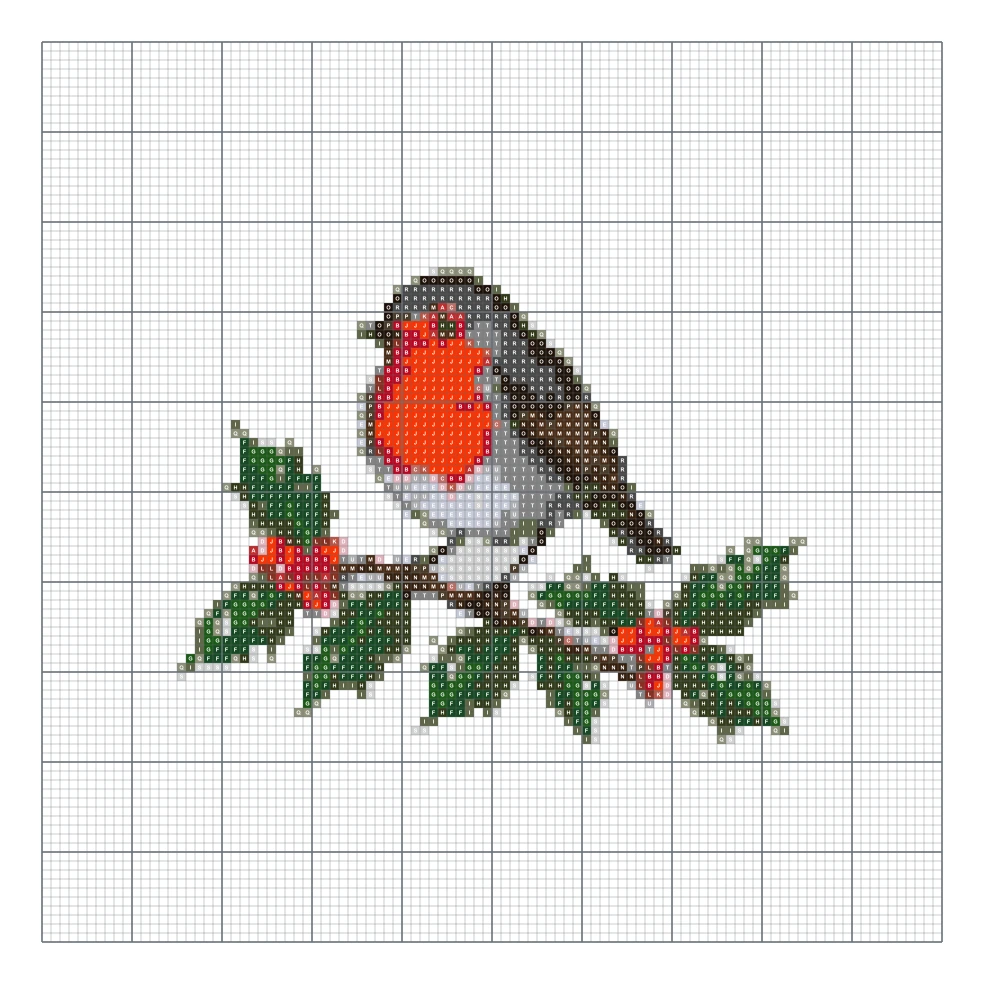
Robin on holly
100 × 100 stitches, 21 colors
Use the same browser-based converter as the homepage while learning what each chart control changes. Upload a photo, choose the stitch width and DMC color limit, check the finished size for your fabric count, then decide whether background removal and stray-cell cleanup improve the result. Your photo stays on your device.
A red robin sitting on a snowy holly branch with glossy green leaves and red berries.
Examples generated with this tool
1:1 · 1K imageSample mode
Open a finished design without an account. Preview and watermarked PNG are free; a printable PDF is $4.99.
100 × 100 stitches, 21 colors
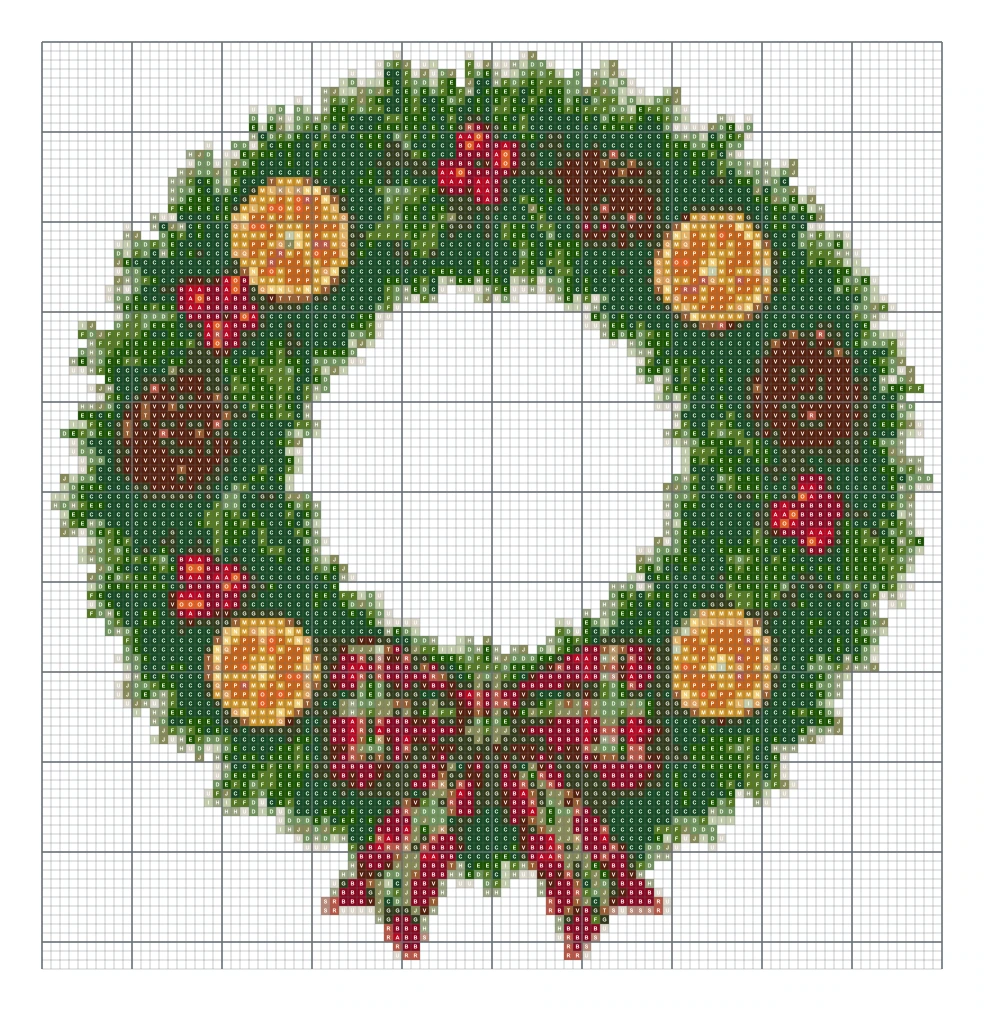
100 × 103 stitches, 22 colors
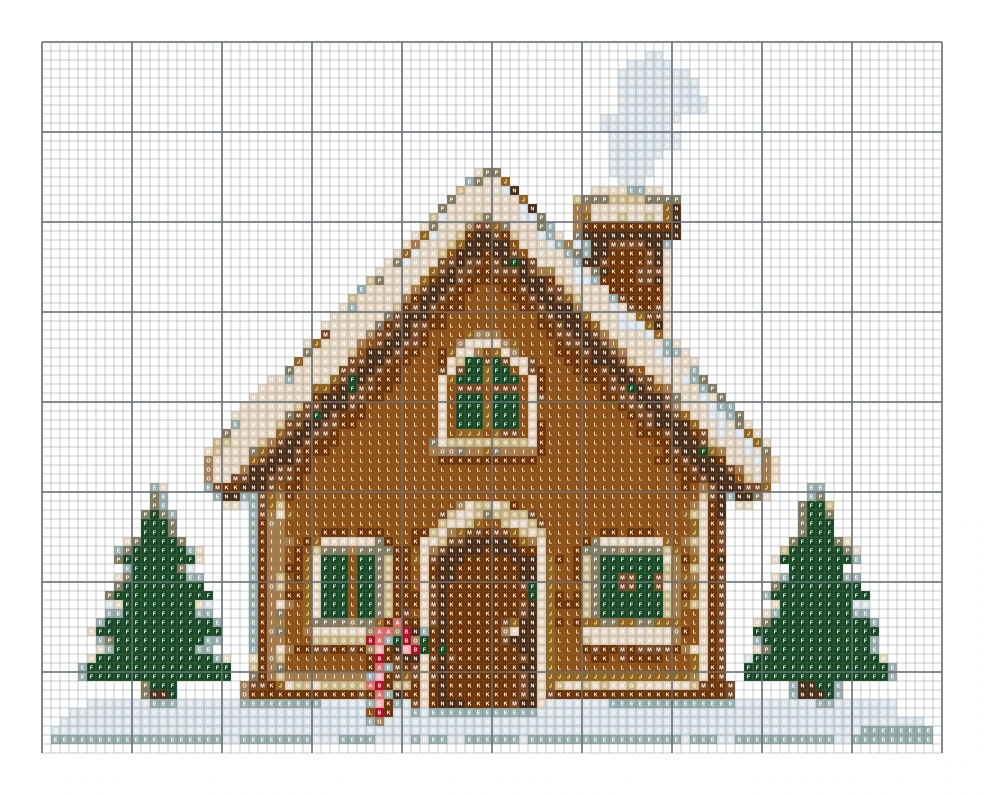
100 × 79 stitches, 16 colors
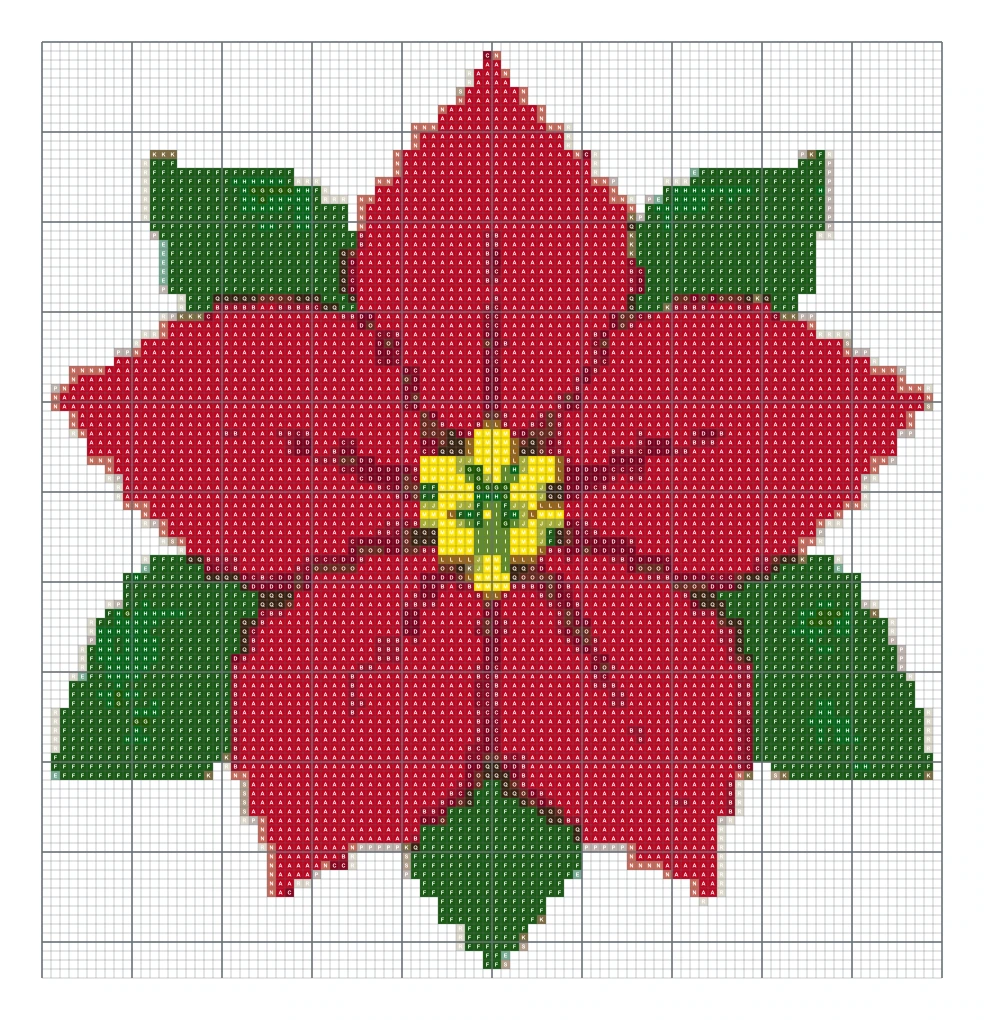
100 × 104 stitches, 19 colors
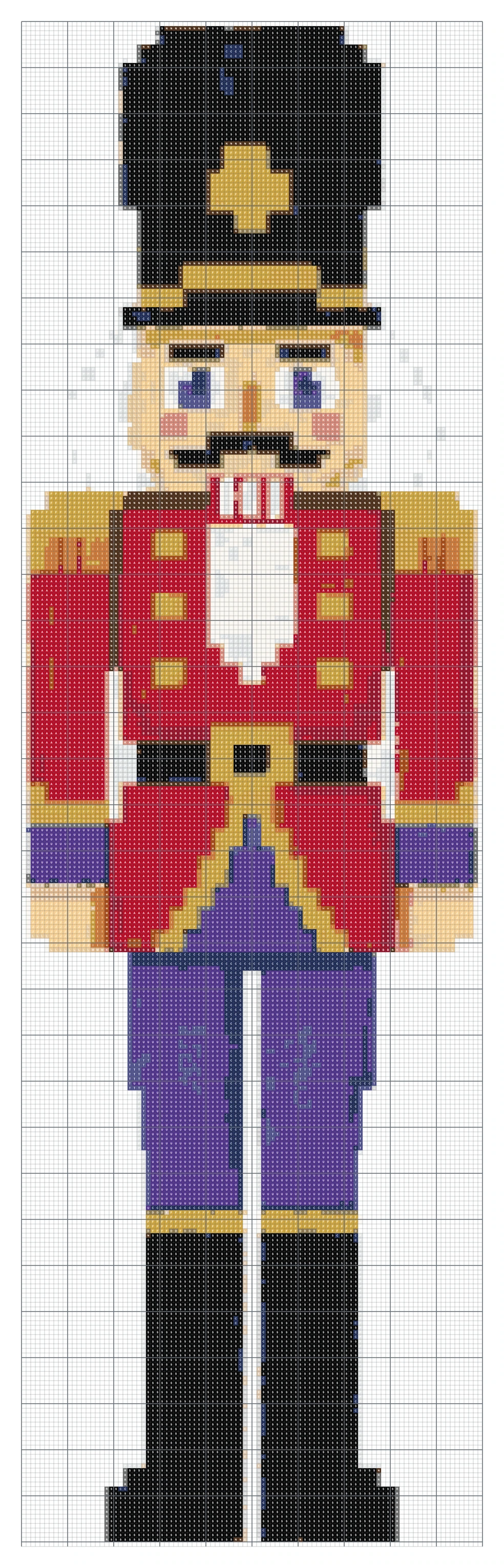
100 × 331 stitches, 21 colors
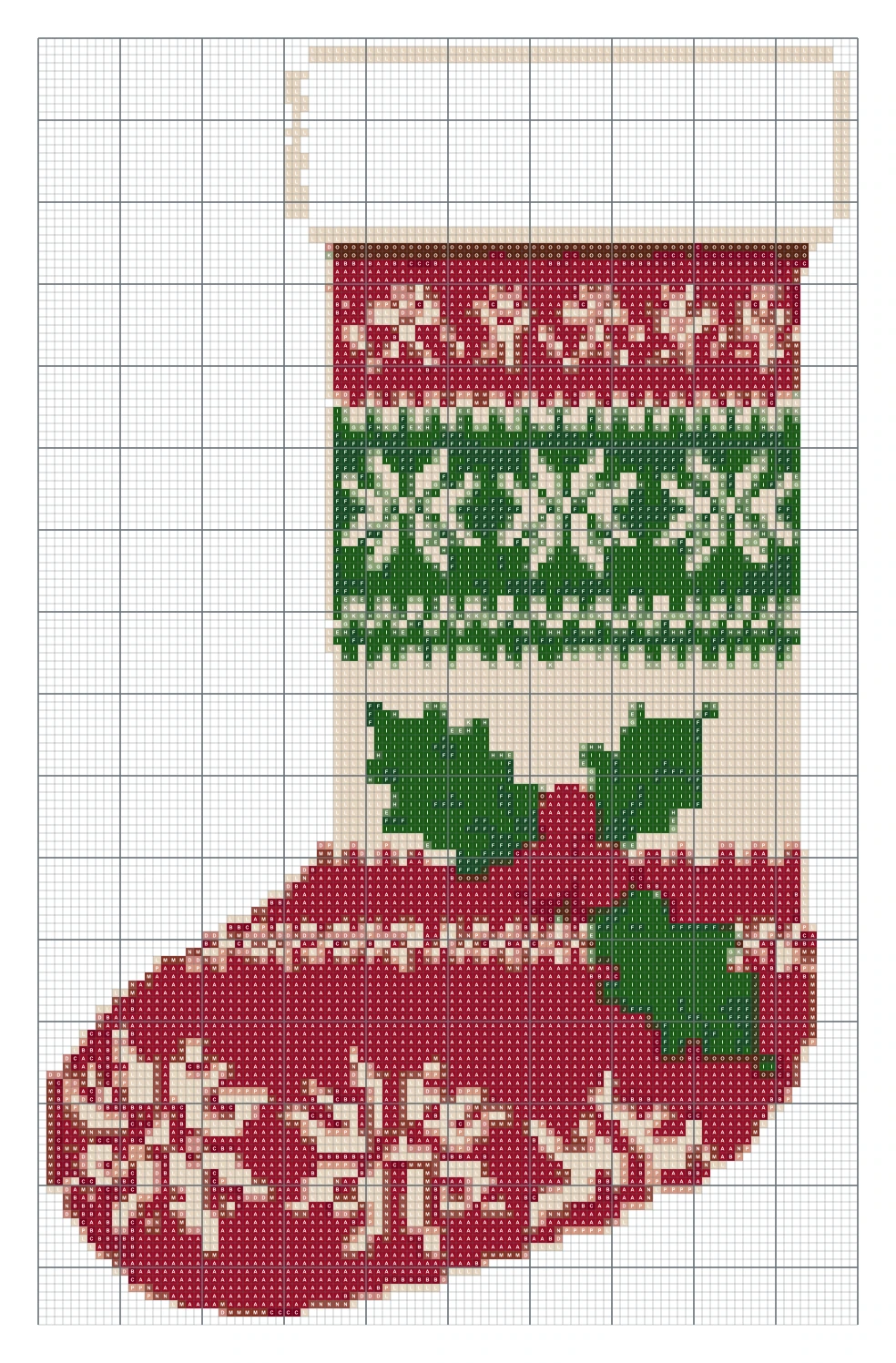
100 × 157 stitches, 16 colors
100 × 70 stitches, 21 colors
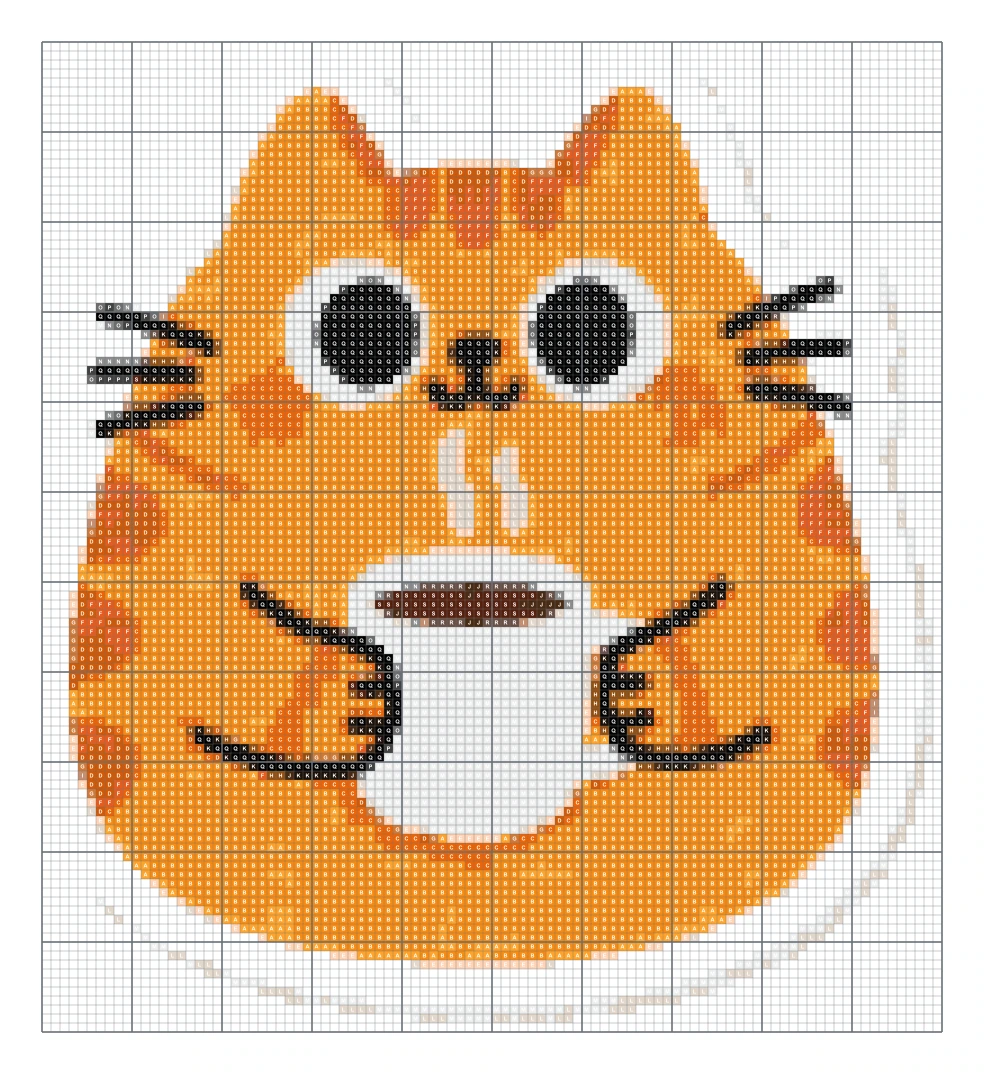
100 × 110 stitches, 19 colors
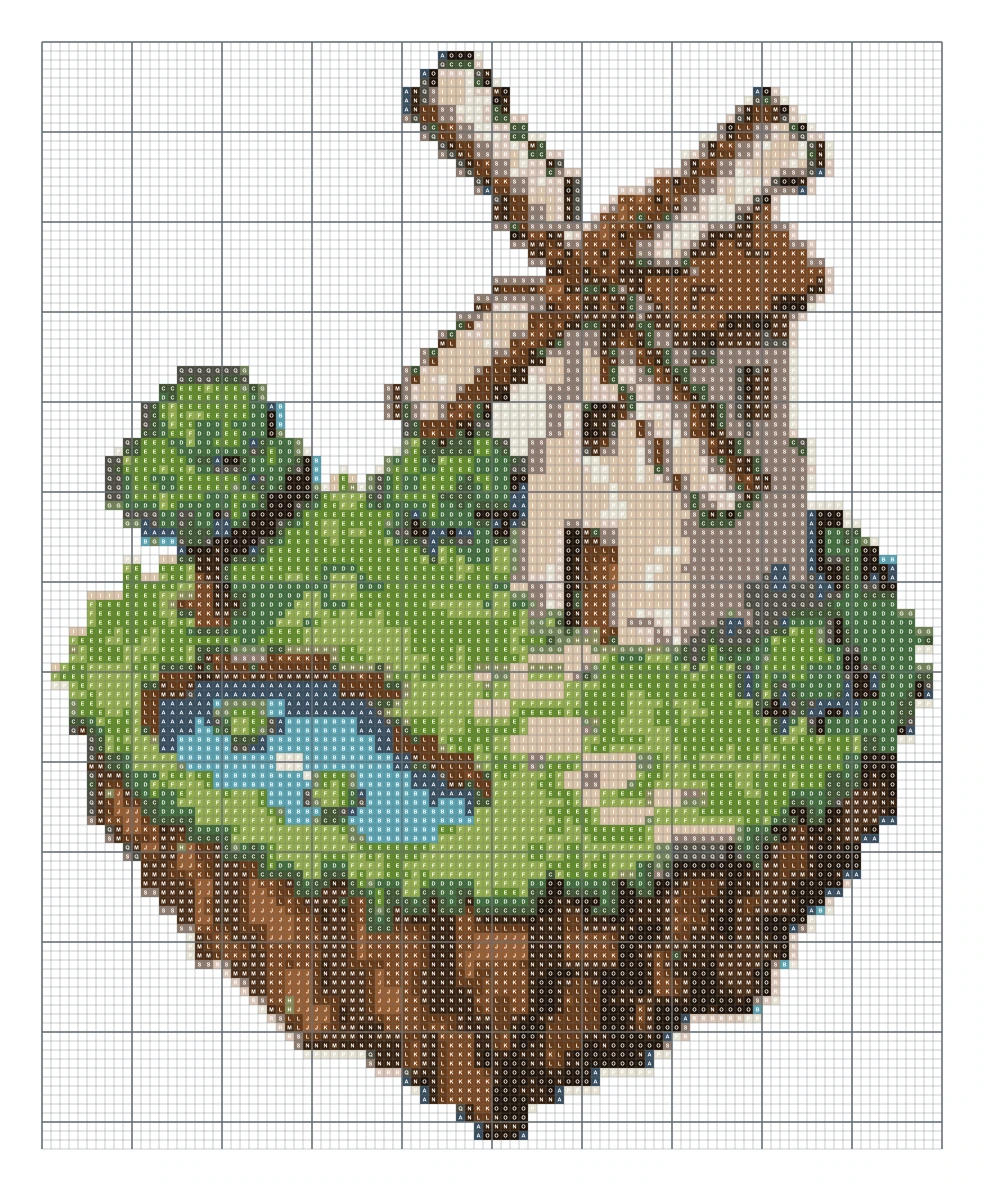
100 × 123 stitches, 19 colors
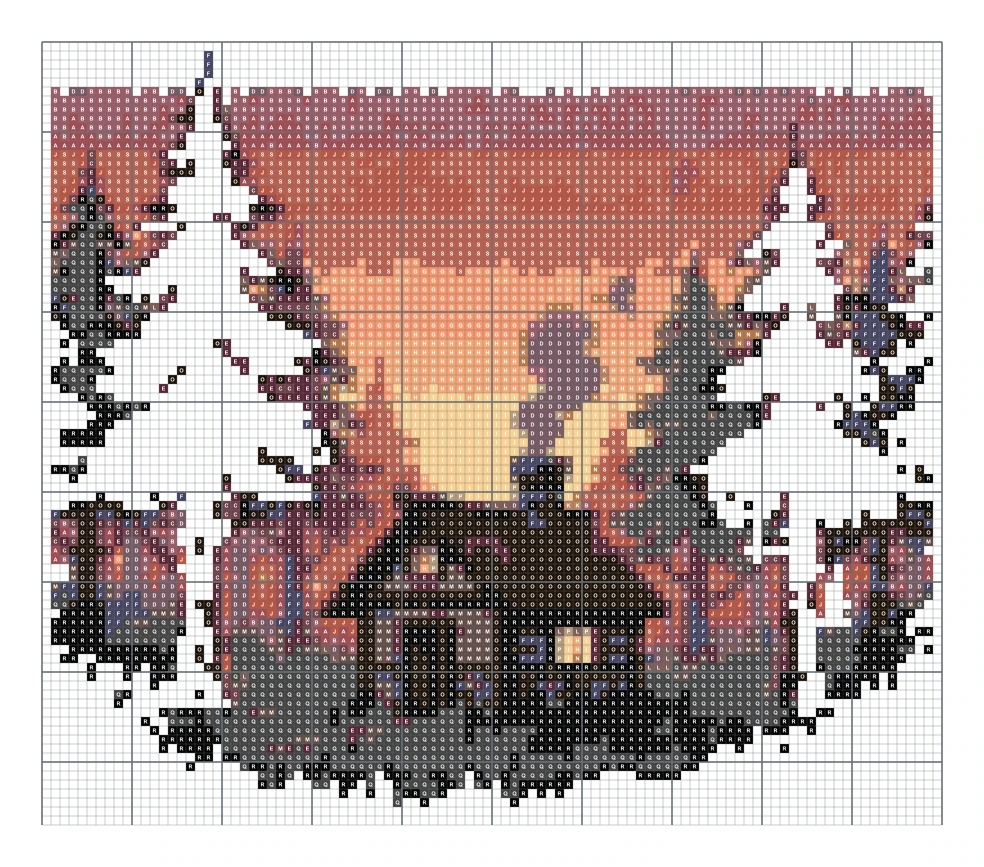
100 × 87 stitches, 19 colors
Upload a picture below, or create an AI image and choose “Turn into a pattern”. Preview and watermarked PNG are free. The high-resolution printable PDF is $4.99 for this exact pattern.
Your image stays in your browser. It is not uploaded.
Preview and watermarked PNG: free · Printable PDF: $4.99 one time.
Color data: craft-color-codes (CC BY 4.0) and beadcolors (MIT). Not affiliated with Perler or DMC.
Explore the original prompts below.
A red robin sitting on a snowy holly branch with glossy green leaves and red berries.
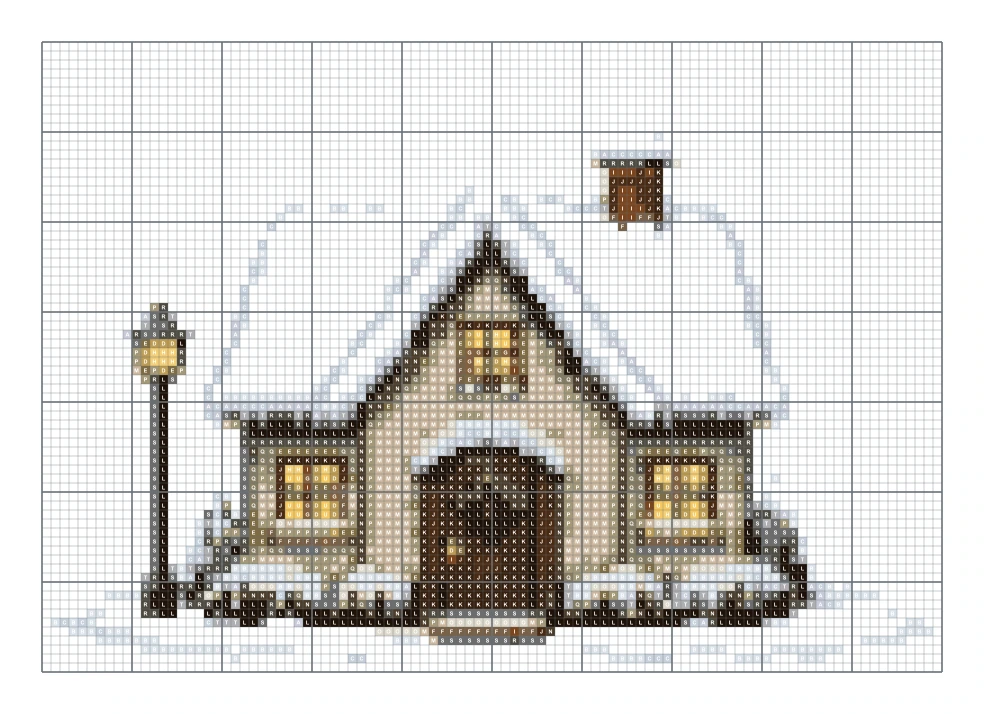
A snow covered winter cottage with warm yellow windows, a wreath on the door, a lamp post and falling snow.
PromptA red robin sitting on a snowy holly branch with glossy green leaves and red berries.
PromptA snow covered winter cottage with warm yellow windows, a wreath on the door, a lamp post and falling snow.
Choose a picture with good light and one main subject, then crop out anything you do not want to stitch. Set the width in stitches: 60 to 80 suits a small hoop, 120 to 150 makes a detailed piece that can take months. Pick your fabric count and the maker shows the finished size in inches and centimeters before you commit.
Next, limit the colors. Twenty is a comfortable number for a first project. Portraits and pets may need thirty or more to keep soft shading, while simple motifs look best with ten or fewer.
You do not need a photo. Type what you want, such as “a red robin on a holly branch”, and the AI draws a flat design on a white background with clear shapes and a short palette. That kind of picture becomes a tidy chart with very few stray stitches. Press “Turn into a pattern” and fine tune the size. Each AI image costs 2 credits; charting, previewing and the watermarked PNG are free.
Every square is matched to the nearest of 489 DMC six strand floss colors. The key lists the DMC number, the color name, a symbol, the stitch count and an estimate of skeins when stitching with two strands. The estimate is rounded up, but buy one extra skein of your main background color to be safe.
Monitors and dyed cotton never match exactly. If a shade looks wrong on your screen, hold the real skein next to the chart and trust the thread.
The optional $4.99 PDF starts with a preview and the full key, followed by chart pages with bold lines every ten stitches and numbered rows and columns. Large designs are split across pages with marks that show where pages overlap. Switch to symbols only if you want to save ink or mark off finished areas with a highlighter.
Upload a tightly cropped photo, choose the width in stitches and a DMC color limit, then review the symbol chart. The conversion happens in your browser without uploading the photo.
The conversion, on-screen chart and low-resolution watermarked PNG are free with no account. The high-resolution printable PDF costs $4.99 once for that exact pattern. AI images made from text use credits separately.
No. The chart is created inside your browser and the photo never leaves your device.
Divide the stitch count by the fabric count. A design 80 stitches wide on 14 count Aida is about 5.7 inches, or 14.5 cm, wide. The maker shows this for you.
Ten or fewer suit simple motifs, around twenty suits many photos, and 24 to 32 can preserve portraits or pet fur. Fewer colors mean less thread, fewer changes and less confetti.
Fourteen-count Aida is a readable general choice. Sixteen- and eighteen-count fabrics make the same grid physically smaller. The preview calculates dimensions for the selected count.
Yes. Each retained color is matched to the nearest entry in the bundled 489-color DMC reference and listed with its number, name, symbol and estimated use. Check physical thread for color-critical work.
The key uses DMC numbers. Use a conversion chart from your thread brand to find the closest match, and check it by eye.
Charts made from your own photos and ideas are yours to use. Do not chart or sell characters, logos or artwork you do not own.
Each image costs 2 credits — about 6–8¢ with one-time credit packs from $5, no subscription. Try 1 image free — no sign-in needed. See pricing →
AI Draw Kit is an independent tool and is not affiliated with brands, marketplaces or characters a user may mention.