Common mistakes in AI coloring pages, and how to fix them
We have generated thousands of coloring pages while building AI Draw Kit. The same few mistakes come up again and again. Here they are with real examples from our tests, in the order you are likely to meet them.
1. Extra legs and paws
This is the most common problem with animal characters. When an animal lifts one front paw, the model often keeps both front paws on the ground and adds the raised one as a third leg. It looks fine at a glance. Children spot it right away.
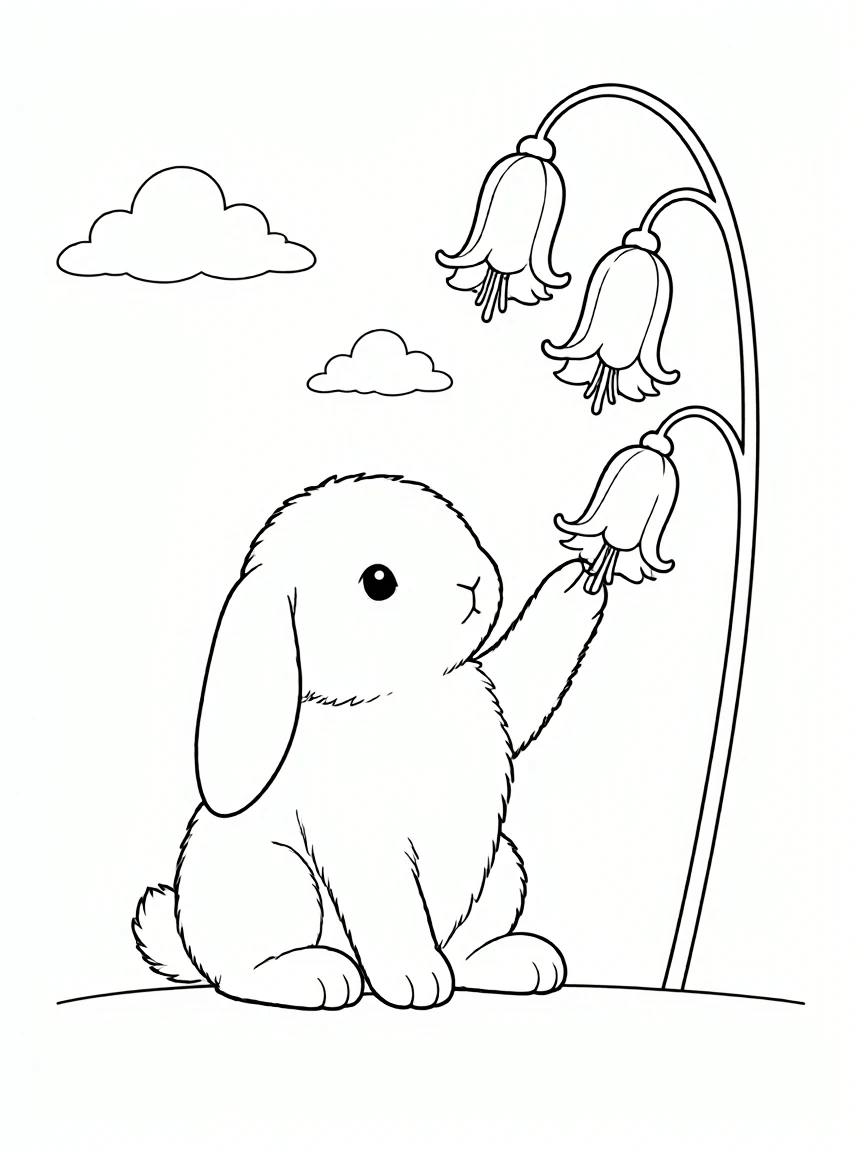
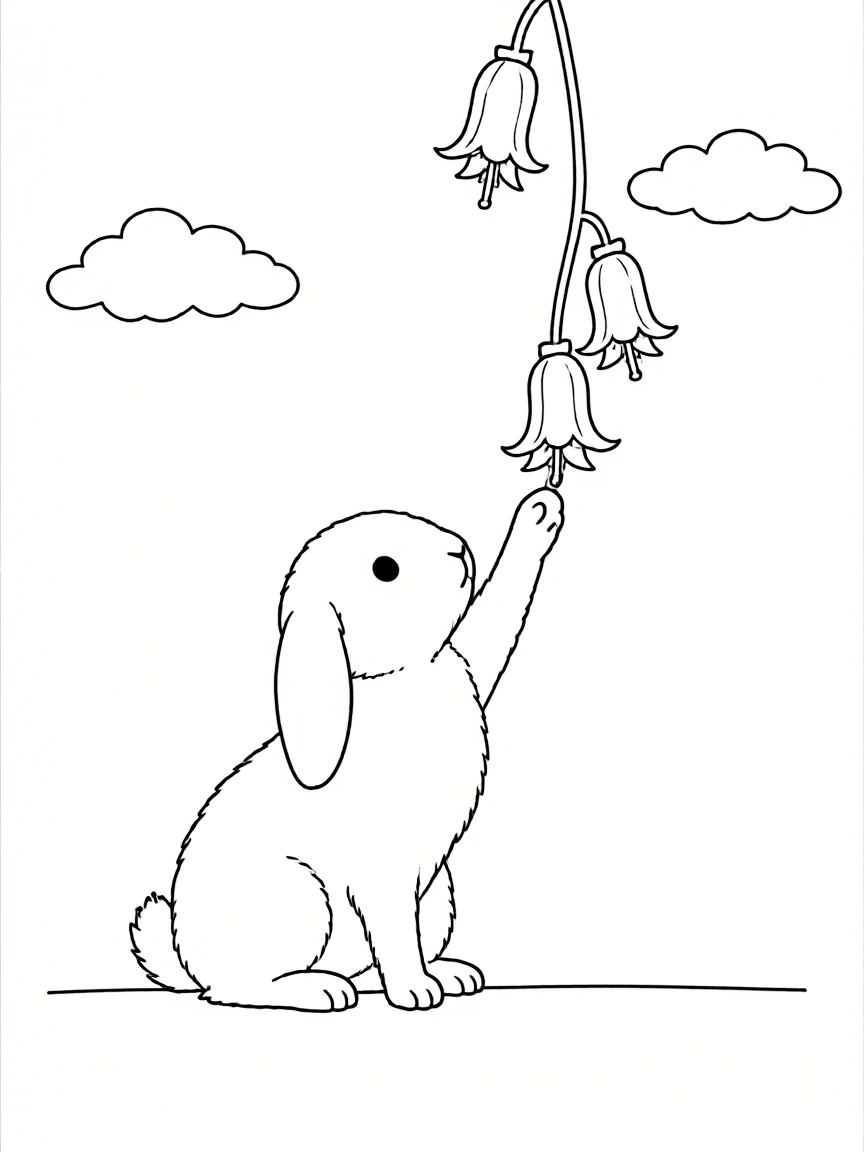
How to fix it: tell the model that the animal has exactly four legs and that only one front paw stays on the ground when the other is raised. In our test of the same scene, this cut extra legs from about 4 in 6 images to 2 in 6. It reduces the problem but does not remove it, so check every page where a character lifts, reaches or climbs.
2. Gray shading
Image models like soft shadows. On screen they look nice. On paper they print as gray patches that crayons cannot cover, and they make the page look dirty.
How to fix it: convert every page to pure black and white before you export, and check that no gray areas remain. A coloring page should be black lines on white paper and nothing else.
3. Leftover color
Even when you ask for black and white line art, some pages come back with a few colored areas, often flowers or small details.
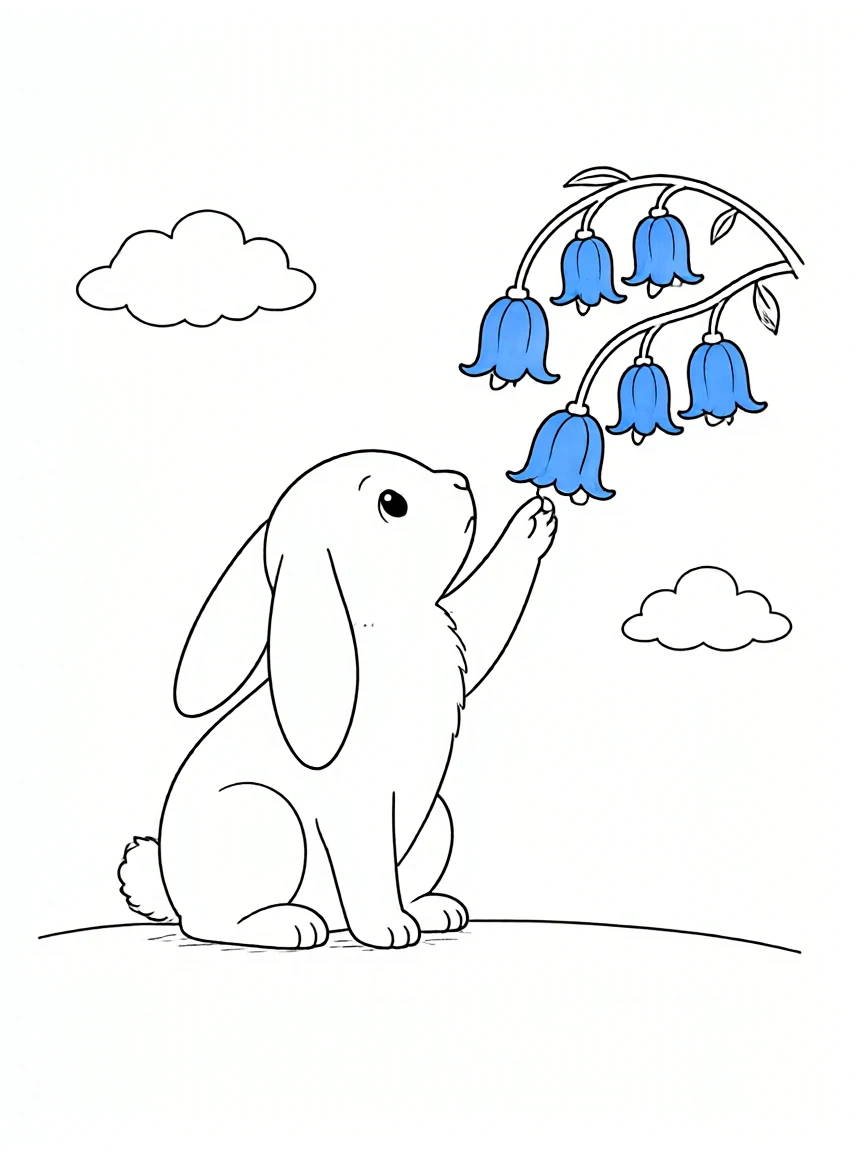
How to fix it: the same black and white conversion removes it. If you skip conversion, zoom in on small details before you approve a page.
4. People you did not ask for
Ask for a farm and you may get a farmer standing in the corner. Ask for a kitchen and someone appears at the table. For an animal only book this breaks the theme, and for children's books you want full control of who appears.
How to fix it: describe the scene with the characters you want and state that no other people appear. Then look for small figures in the background, which are easy to miss.
5. Backgrounds that are too busy
Detailed backgrounds look impressive, but tiny shapes are frustrating to color for ages 3 to 6. They also make the main character harder to see.
How to fix it: for young children, ask for large closed shapes and a simple background. Keep fine detail for adult coloring books.
A simple review routine
Look at each page at full size, not as a thumbnail. Check the character first (legs, paws, face), then the edges for gray or color, then the background for people and clutter. Redraw rather than edit: a fresh page is usually faster than fixing lines by hand.
In AI Draw Kit, whole books run automatic checks for gray areas and stray people, and every page includes one manual redraw for the mistakes the checks miss.
FAQ
Why does AI draw extra legs on animals?
When an animal lifts a paw, the model often keeps the standing pose and adds the raised paw as an extra limb. Describing the exact number of legs helps, but you still need to check those pages.
How do I remove gray shading from an AI coloring page?
Convert the page to pure black and white before printing, then check at full size that no gray patches remain.
Can I fix mistakes by editing the image?
You can, but redrawing the page is usually faster and gives cleaner lines.