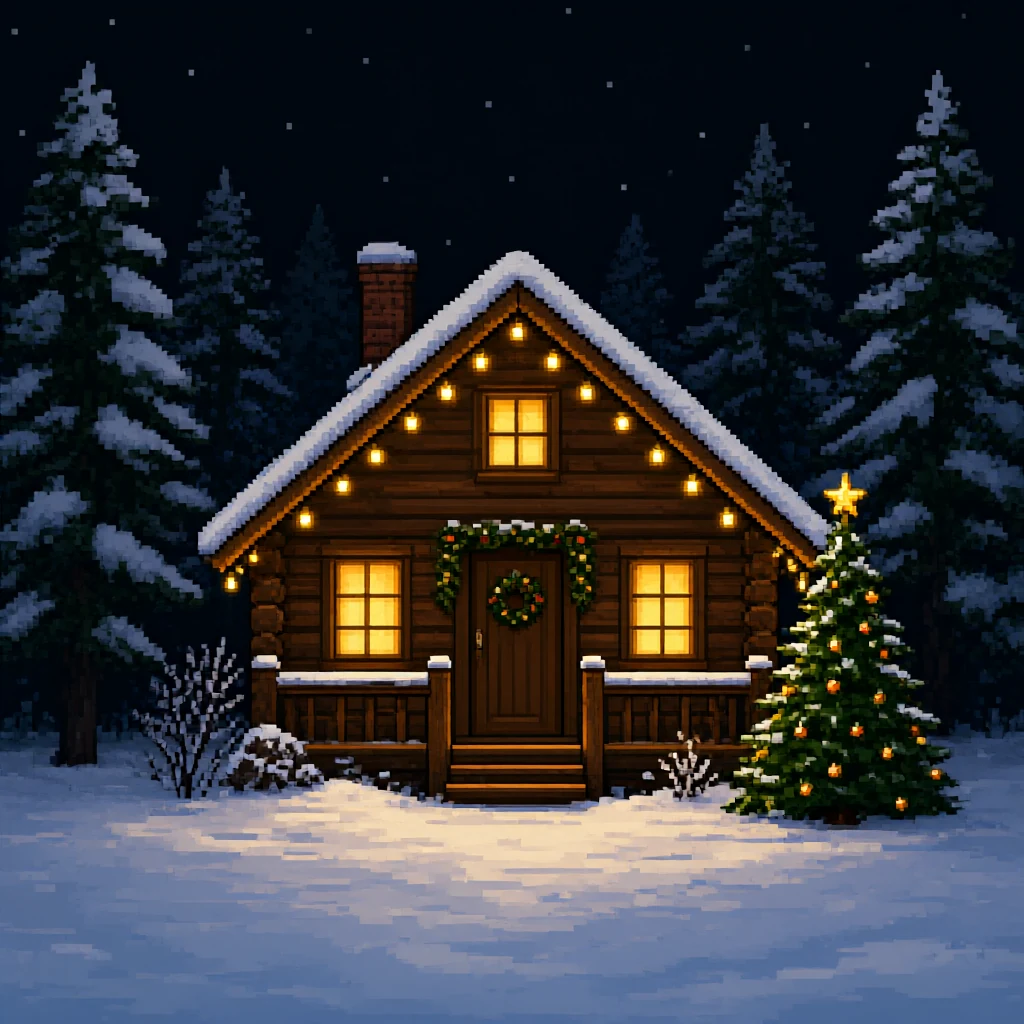
Cabin in the snow
A cozy log cabin in a snowy pine forest at night, warm glowing windows, string lights along the roof and a decorated tree outside.
Make Christmas pixel art from a sentence. Choose one of the ideas below, such as a snowy cabin with glowing windows or Santa's sleigh crossing the moon, or write your own. The AI draws it in an 8-bit or 16-bit inspired look that works for cards, wallpapers, game mock-ups and social posts. If you need a counted grid for beads or stitching, the same idea can become a real pattern in two clicks.
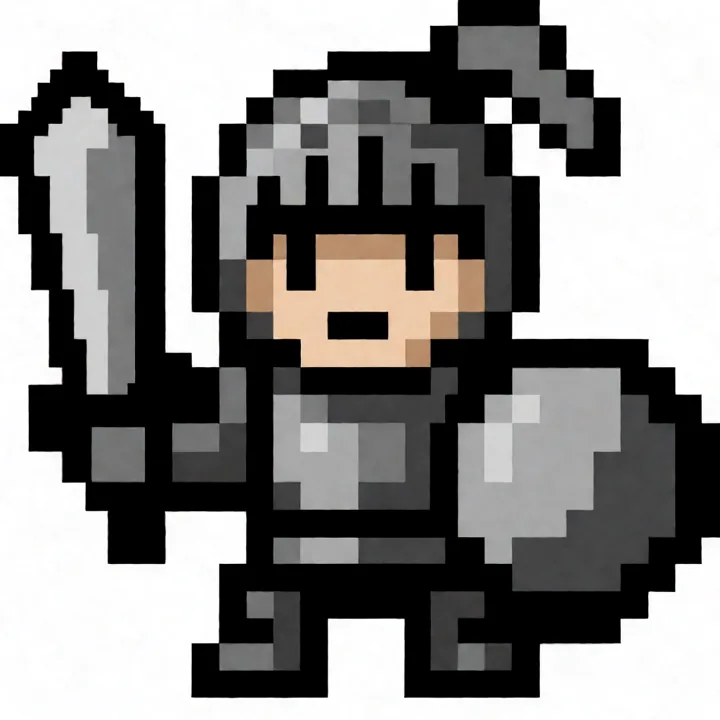
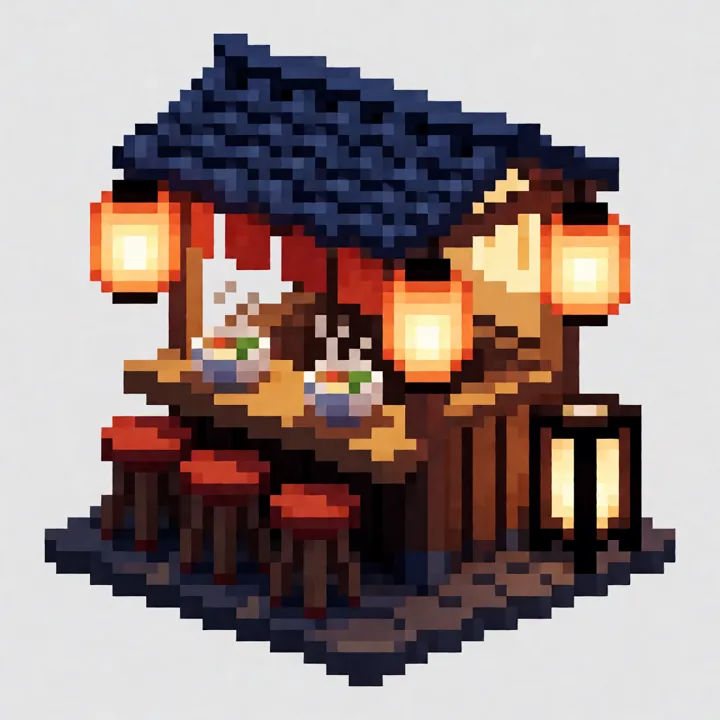
Examples generated with this tool
1:1 · 1K imageSample mode
Select a prompt, then edit before generating.
A cozy log cabin in a snowy pine forest at night, warm glowing windows, string lights along the roof and a decorated tree outside.
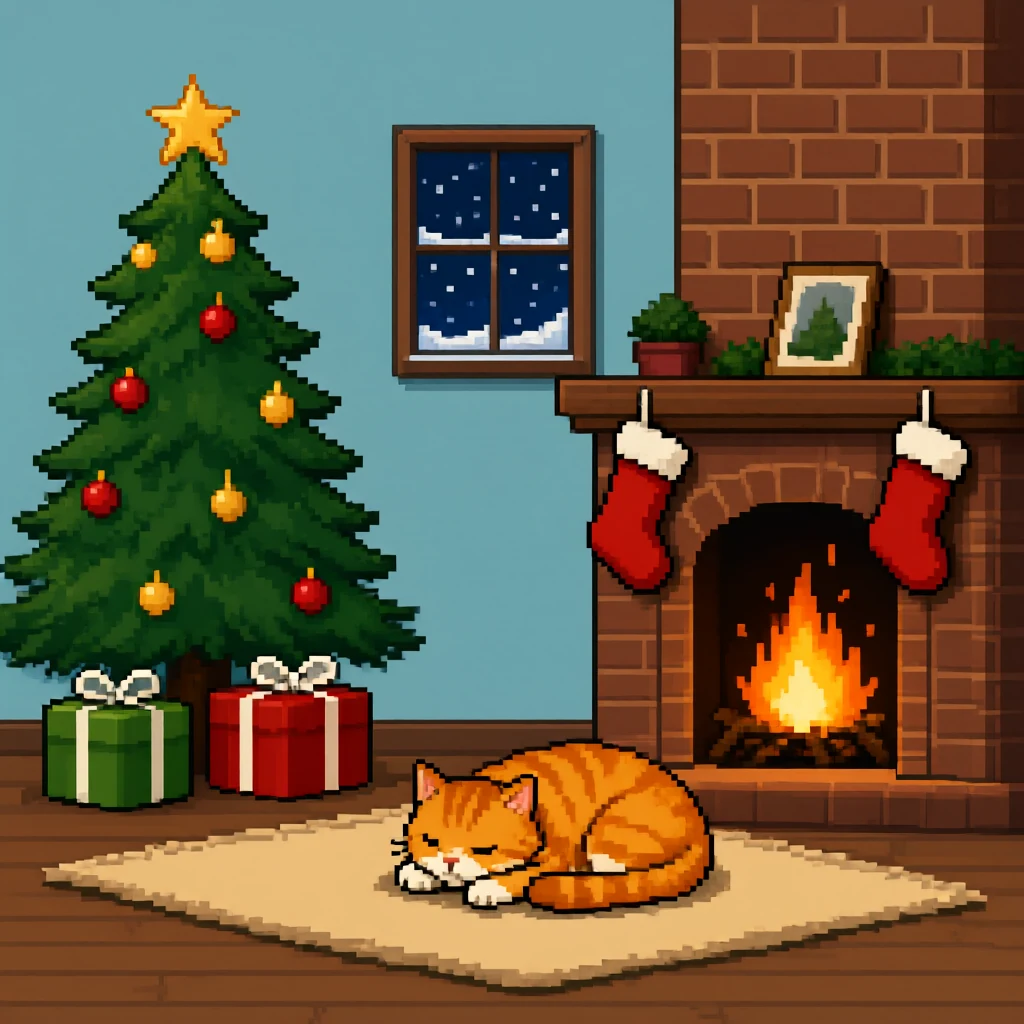
A Christmas tree in a living room corner with wrapped presents, a fireplace with stockings and a sleeping cat on a rug.
Santa in his sleigh pulled by reindeer flying over snowy rooftops under a big full moon.
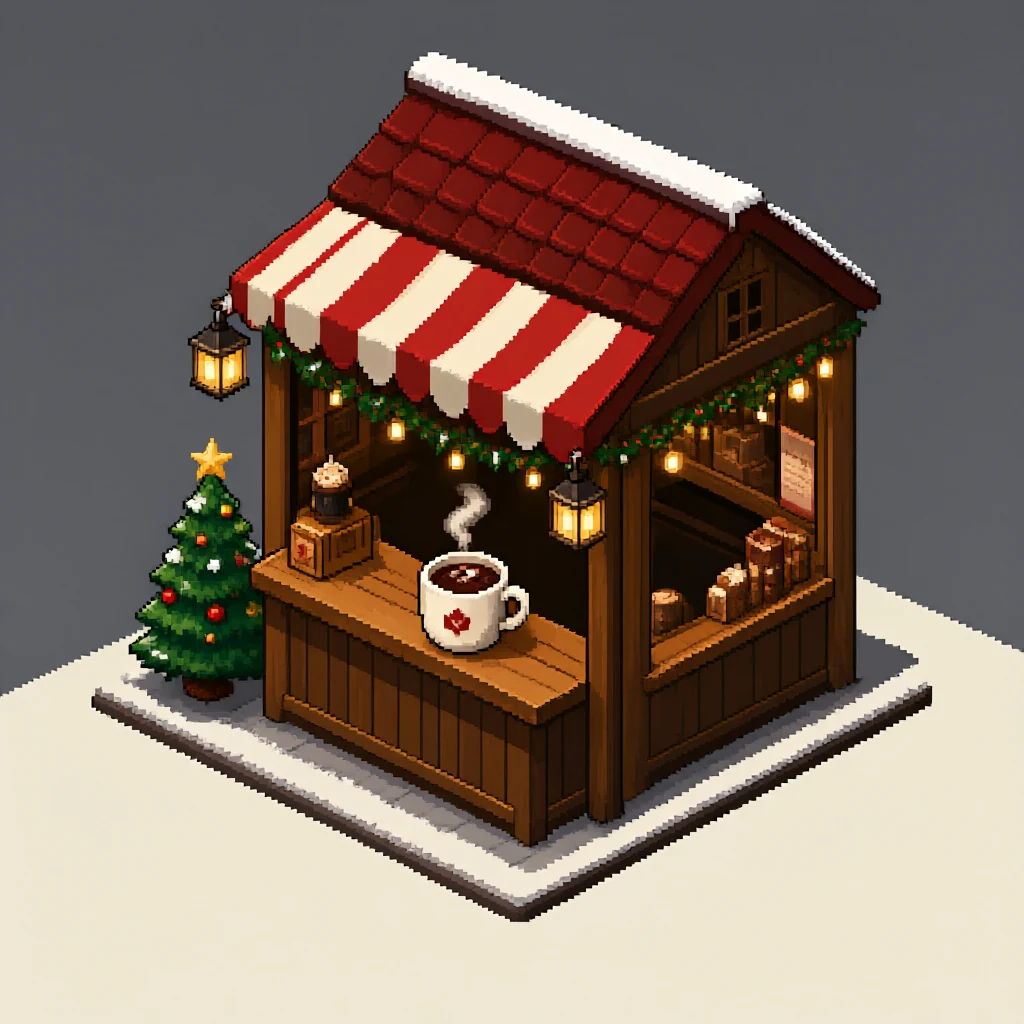
An isometric Christmas market stall selling hot chocolate, with a striped awning, lanterns, a small tree and snow on the roof.
One red Santa hat with a white brim and pom-pom, front view, dark outline, plain pale blue background.
One green gift box with a red ribbon and bow, front view, dark outline, plain cream background.
One red mug of hot cocoa with three marshmallows and a candy cane, front view, dark outline, plain pale green background.
One small penguin wearing a red and white striped scarf and earmuffs, front view, dark outline, plain pale blue background.
Christmas pixel art falls into two groups. Scenes, such as a cabin in the woods or a market square, are about mood: glowing windows, falling snow, a night sky. They look best in the 16-bit inspired preset, which allows a few shading steps and small details. Describe the place, the time of day and where the light comes from, and keep to one main building or group.
Icons are single objects: a Santa hat, a mug of cocoa, a gift. Use the 8-bit inspired preset, ask for a front view, a dark outline and a plain background, and name three or four colors. These small, clean designs are the ones that also work as emoji-style stickers, game items and craft grids.
Whichever group you choose, describe a single idea per image. A cabin, a sleigh and a market in one picture leaves each of them too small to read. Generate them separately and you get three clear images instead of one crowded one.
Red, green and white do most of the work, so add contrast with one warm and one cool color. Warm yellow for windows, candles and stars makes a snowy night scene glow. A deep navy sky makes white snow stand out far better than black. For a softer, Nordic look, swap bright red for a dusty red and add cream instead of pure white.
Write the palette into the prompt. “Navy sky, white snow, warm yellow windows, dark green trees” gives the model less room to wander than “Christmas colors”. If the result looks muddy, remove one object and one color and generate again.
The generator makes square images, which suit social posts, profile pictures and the front of a folded card. For a phone wallpaper, keep the main subject in the middle of the square so you can crop the sides without losing it. For a wide banner, ask for a low, wide scene and crop the top and bottom afterwards.
The download is a regular image with a pixel art look. It does not have an exact sprite resolution. If you need a true 32 by 32 or 64 by 64 file for a game, redraw the idea in a pixel editor and use the generated picture as your reference.
Printed cards look best when the picture has a calm border. Ask for the subject to sit in the middle with plain space around it, then add your greeting in a card editor or by hand, since the generator does not draw lettering.
Many people search for Christmas pixel art because they want a grid to copy with fuse beads, cross stitch, diamond dots or squared paper. For that, use the pattern makers on this site. They count the squares for you, match each one to a real bead or floss color and print a numbered chart.
The icons above are the best starting point: one object, flat colors and a plain background convert cleanly. Scenes with night skies and soft light need many more colors and are better kept as pictures.
Christmas Perler bead patterns · Christmas cross stitch patterns
Teachers use pixel pictures for color by number sheets and coordinate drawing. Generate a simple icon, then have students copy it square by square onto graph paper, or call out coordinates as a listening game. At home, print an icon large and let children cover each square with a sticker dot or a thumbprint.
Keep classroom designs small, around 16 to 24 squares wide, with four or five colors that match the pencils you have. Check each generated image before you share it with children, as you would with any AI output.
Describe your own characters and places. Film, game and cartoon characters belong to their owners, and this tool is not meant for copying them. A penguin in a scarf, a gnome with a tall hat or your own dog in reindeer antlers will feel more personal anyway.
Pick a preset, describe one scene or object with its colors and viewpoint, and generate. The first image is free without signing in. After that each image uses 2 credits.
Yes. Generate a simple icon here, then open it in the Perler bead or cross stitch pattern maker to get a numbered grid with a color key that you can print.
Single objects with a dark outline work best: a Santa hat, candy cane, gift box, snowflake, stocking or mug of cocoa, each in three or four colors.
Yes. Images are square, so keep the main subject in the middle and crop the sides in your phone's photo editor.
You can use images of your own original ideas. Review each image first, and do not use characters, logos or artwork that belong to someone else.
Each image costs 2 credits — about 6–8¢ with one-time credit packs from $5, no subscription. Try 1 image free — no sign-in needed. See pricing →
AI Draw Kit is an independent tool and is not affiliated with brands, marketplaces or characters a user may mention.