How to make a KDP coloring book with AI
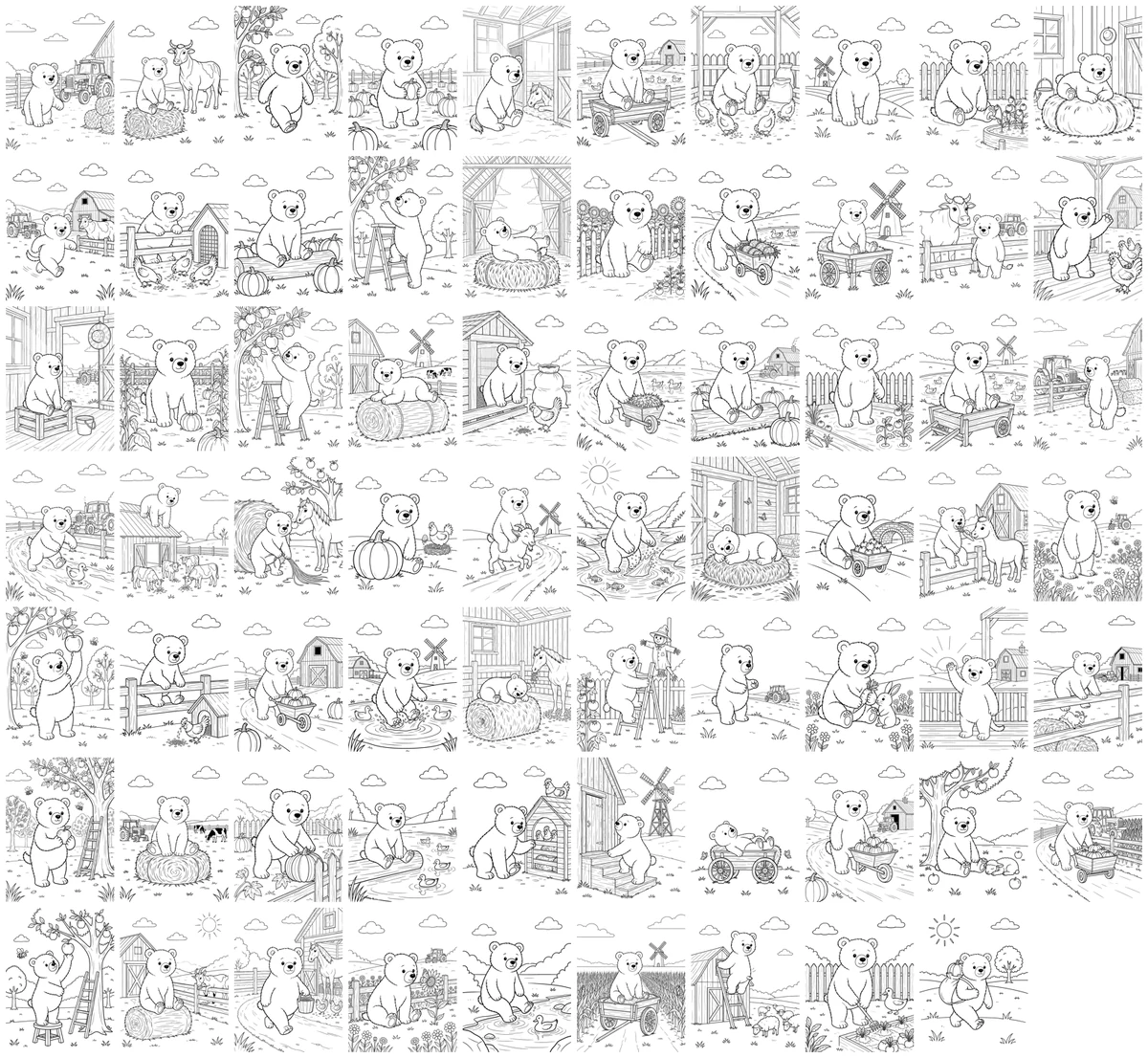
This guide is based on a 70 page coloring book we made with AI Draw Kit: one bear character on a farm, exported as a KDP paperback interior. The specs below come from Amazon KDP's help pages, checked on November 3, 2026. KDP can change its rules, so confirm them in your own account before you publish.
1. Pick the format before you make any pages
Most coloring books use an 8.5 x 11 inch trim with black ink on white paper. For that trim, KDP accepts 24 to 590 pages in black and white.
Decide on bleed now. If any line reaches the edge of the page, the book needs bleed, and every interior page must be 8.625 x 11.25 inches. KDP trims 0.125 inch from the top, bottom and outside edge.
Margins depend on bleed and page count. The top, bottom and outside margins must be at least 0.25 inch without bleed and 0.375 inch with bleed. The inside margin is 0.375 inch for 24 to 150 pages and 0.5 inch for 151 to 300 pages. Keep important lines out of these areas.
2. Plan one page per scene
Write the list of scenes first, then generate. A list keeps the book varied: picking apples, feeding chickens, a rainy day in the barn. Without one, AI tends to repeat the same pose and background.
For a character book, approve one style sample and use it as the reference for every page. This is what keeps the bear looking like the same bear on page 1 and page 70.
3. Print on one side of the paper
Coloring pages are usually printed on the right hand page with a blank page behind. Markers bleed through paper, and a blank back keeps the next drawing clean. This doubles the page count: 35 drawings with blank backs make a 70 page interior.
4. Export at 300 DPI
KDP requires all interior images to be at least 300 DPI and recommends no more than 600 DPI to keep files under 650 MB. Export a single PDF with all pages at the same size.
5. Check every page before you upload
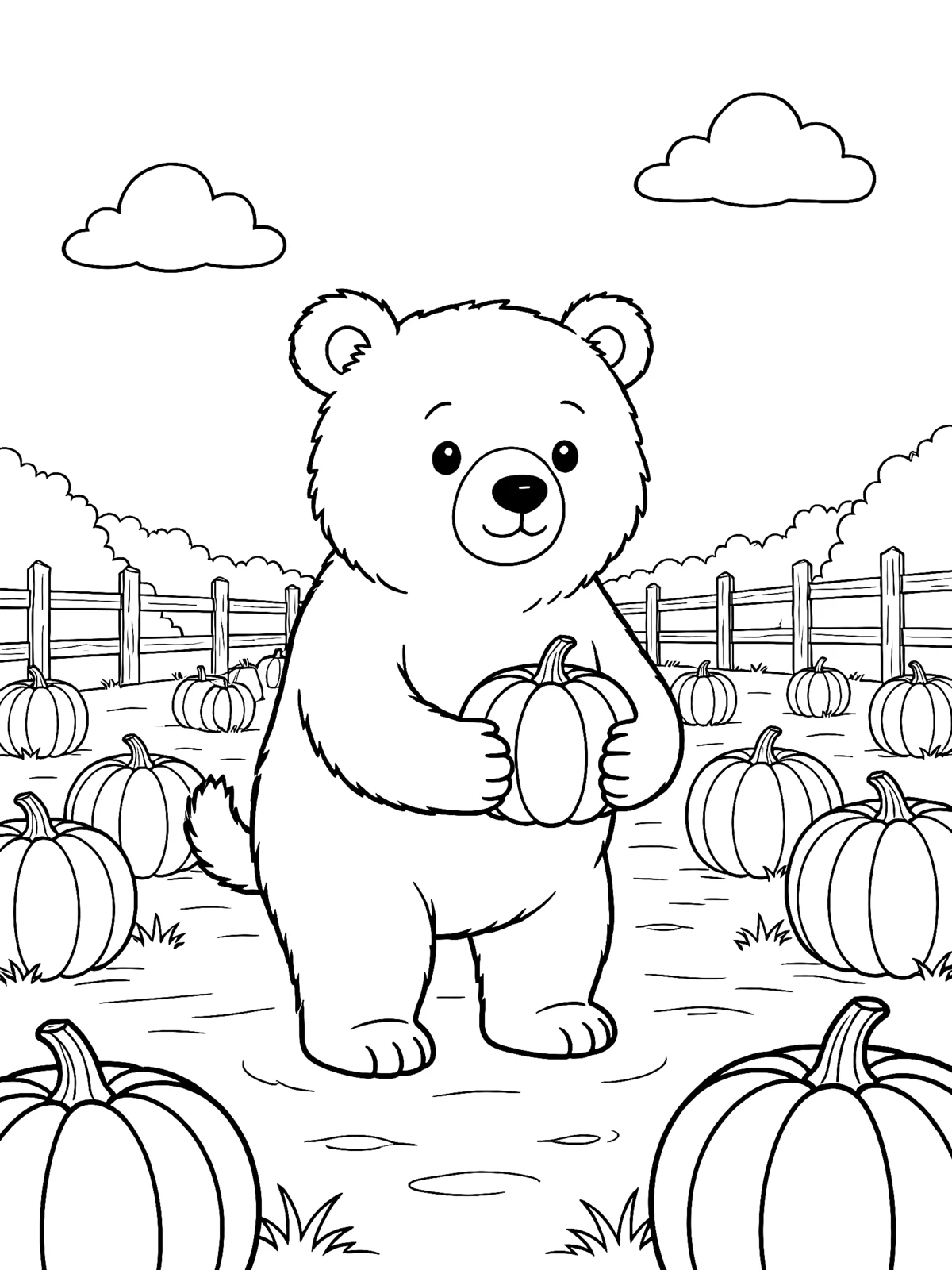
AI makes predictable mistakes. In our 70 page book, 1 page failed outright and 2 more needed a redraw. Look at each page at full size and check for:
- Extra legs, paws or fingers, especially when a character lifts a paw or reaches up
- Gray shading or leftover color, which prints as muddy patches
- People who were not in the scene description
- Backgrounds too detailed for the age you are targeting
- Lines that run into the trim or gutter area
We wrote a separate guide to these mistakes with examples: Common mistakes in AI coloring pages, and how to fix them
6. Tell Amazon the interior is AI generated
KDP asks you to disclose AI generated content when you publish a new book or republish an edited one. This includes interior images and artwork. It counts as AI generated even if you edited the images afterwards. You are also responsible for checking that the content follows KDP's content guidelines, including intellectual property rules.
Quick checklist
- Trim 8.5 x 11, black ink, white paper
- Bleed decided, page size matches it
- Margins at least 0.25 inch (no bleed) or 0.375 inch (bleed), gutter for your page count
- Every page reviewed at full size
- Blank backs if you expect markers
- 300 DPI PDF
- AI disclosure ticked
FAQ
How many pages should a coloring book have?
KDP accepts 24 to 590 pages at 8.5 x 11 in black and white. Many children's coloring books have 30 to 50 drawings, which becomes 60 to 100 pages with blank backs.
Do I need to disclose that the pages were made with AI?
Yes. KDP requires you to disclose AI generated images, including interior artwork, even if you edited them afterwards.
What resolution does KDP need?
At least 300 DPI for every image, with a recommended maximum of 600 DPI.
Do coloring book pages need bleed?
Only if your drawings reach the edge of the page. With bleed, each page must be 8.625 x 11.25 inches for an 8.5 x 11 book.